
Customer relationships
Turn an introduction into a saved contact.
Individuals and teams who regularly meet clients, vendors or other professional contacts.
Provided by Blinq
Get the digital-card starter guideExplore this overview first. No signup needed to browse.
What you can explore
A useful starting point for your goal.
- 01
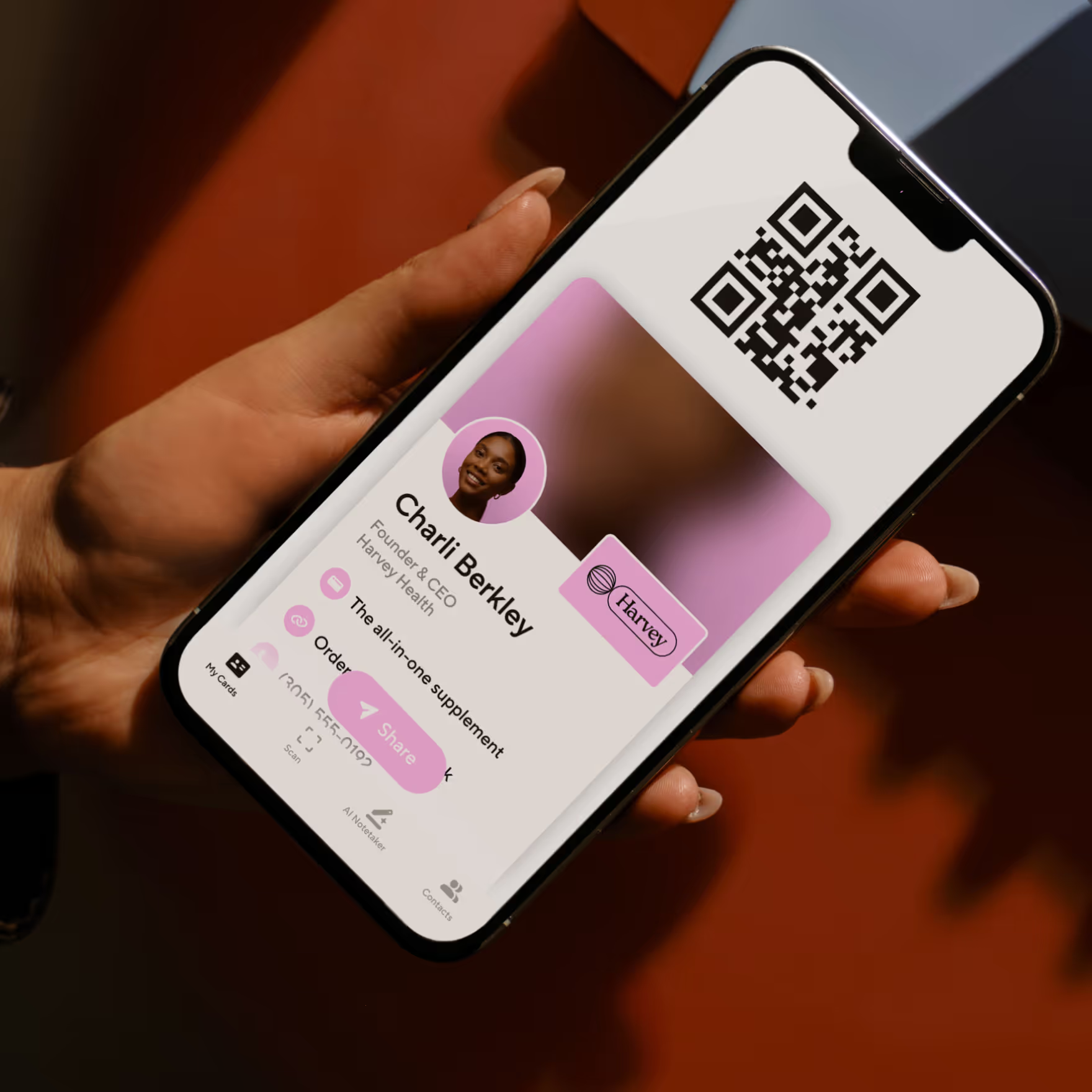
Share contact details and useful links through a digital card.
- 02
Let recipients receive and save your details through a QR code or link.
- 03
Compare an individual card with a team setup before selecting a plan.
Make the introduction practical
Start with one real question.
“Which details and links should appear on my card, and what does a person see when they scan it?”
An example question to help you begin.
Know who provides it
Explore for yourself.
Blinq provides the digital-card product, subscriptions and support. JFR Digital shares a referral invitation and may receive a reward on a qualifying subscription. Custom implementation or marketing services require a separate agreement.
Explore Blinq through Jason’s referral invitation. Check the current offer, eligibility and terms before choosing a plan.
Your next step
Request your digital-card starter guide
Get practical guidance for sharing and saving contacts. Add a question if you would like help with your setup.
Selected interest: Blinq
Your guide request is separate from the optional digital-card tips. Leave the tips unchecked if you only want the requested guide. Jason can also review any question you include.
Please use the form’s own privacy and consent choices. You can also email Jason with a general question.
Prefer a separate window? Open this form in a new tab (opens in a new tab)